WhatsApp and a spreadsheet, or a wedding planner app?
At the start it looks simple. You make a WhatsApp group, build a spreadsheet for the guest list, and start saving things on your phone.
Then the questions start:
- “Is he actually coming?”
- “Have we paid the photographer?”
- “What was the catering quote again?”
- “Who is on table 7?”
- “Does anyone have the DJ's contract?”
And suddenly the information is spread across WhatsApp, a spreadsheet, emails, notes, photos and PDFs. This is where planning a wedding starts to get complicated.
WhatsApp and a spreadsheet
There is nothing wrong with WhatsApp or spreadsheets. They are tools everybody knows.
The problem is that neither was built to plan a wedding.
It is excellent for talking.
But it was not built to:
- manage a guest list;
- track RSVPs;
- arrange tables;
- follow payments;
- keep tasks;
- store documents.
Things get lost between messages, photos and voice notes.
The spreadsheet
It is excellent for organising data.
But as the list grows, everything gets harder:
- guests;
- plus-ones;
- children;
- tables;
- payments;
- vendors;
- tasks.
And every time something changes, you have to update several cells, or several files.
Vowly
Vowly was built precisely to bring all of it into one place.
Guests
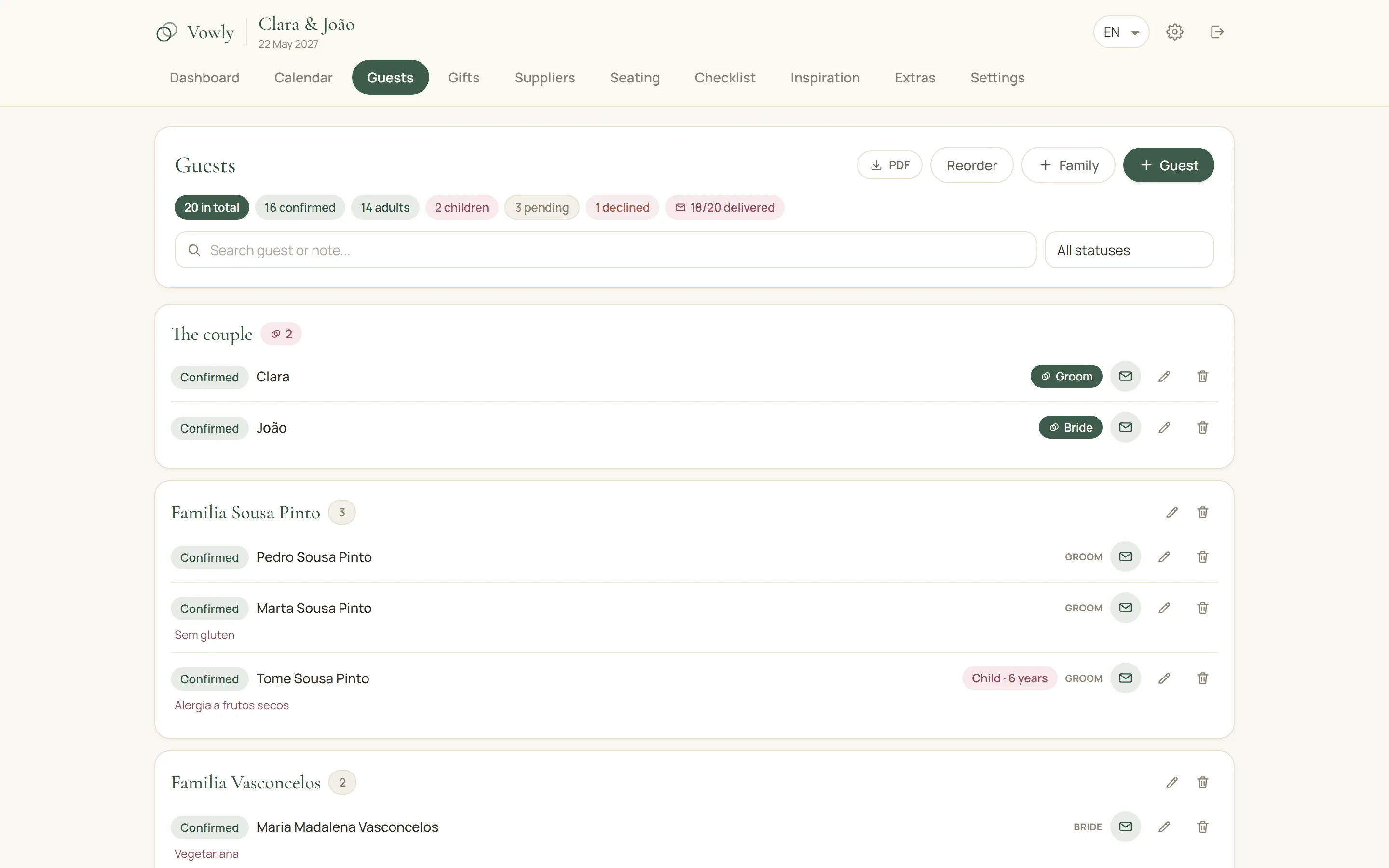
Keep the list organised by family, follow the RSVPs, and know who sits at which table. Allergies and diets sit beside the name — which is where the caterer will look for them.
Tables
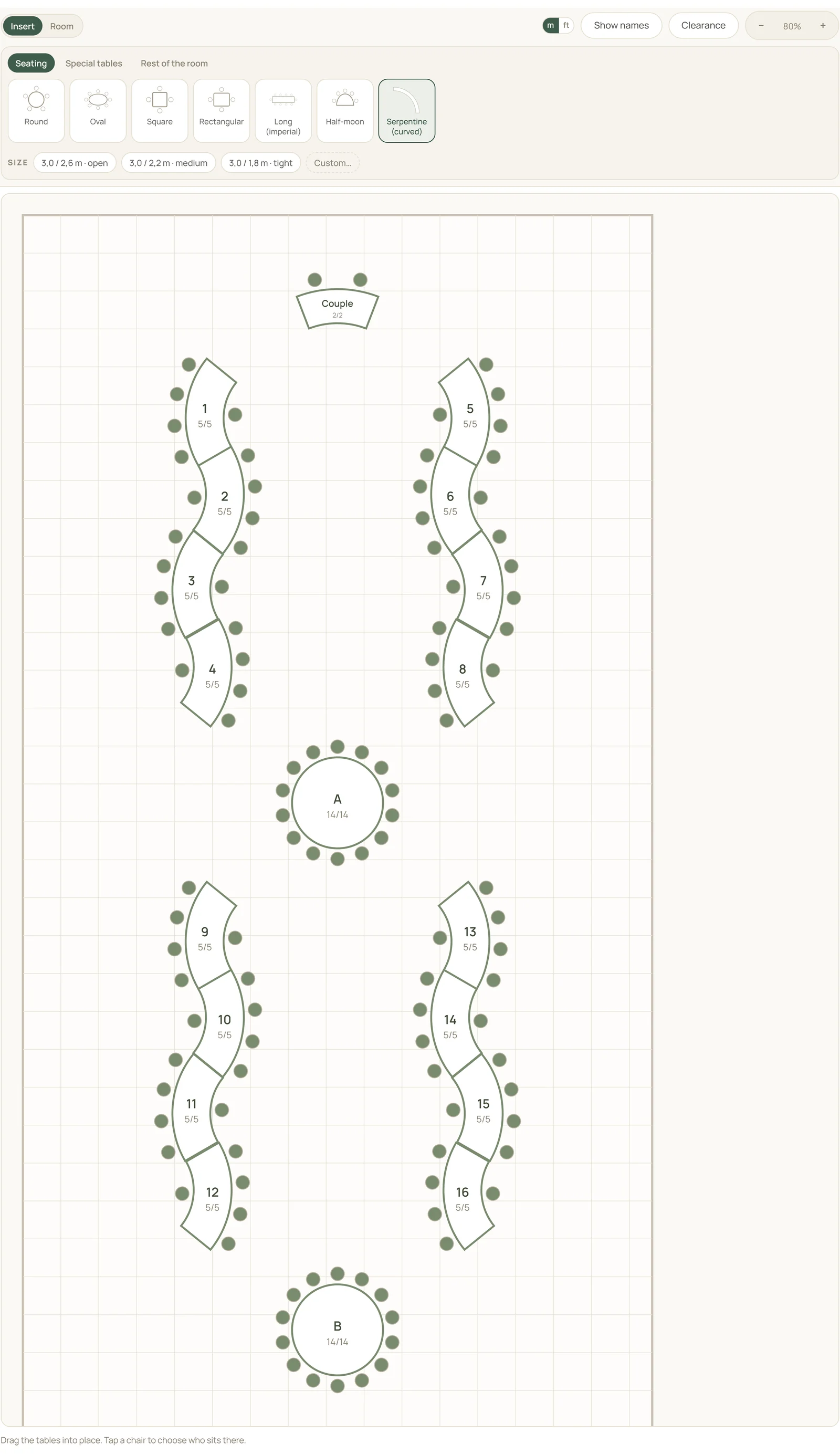
Build the seating plan, choose the shape of each table, and put guests straight into their seats. The plan is drawn to scale, with the sizes your supplier actually has.
Budget
Know what you have spent, what is still to pay, and where the money is going — by vendor and by category, with and without VAT.
Vendors
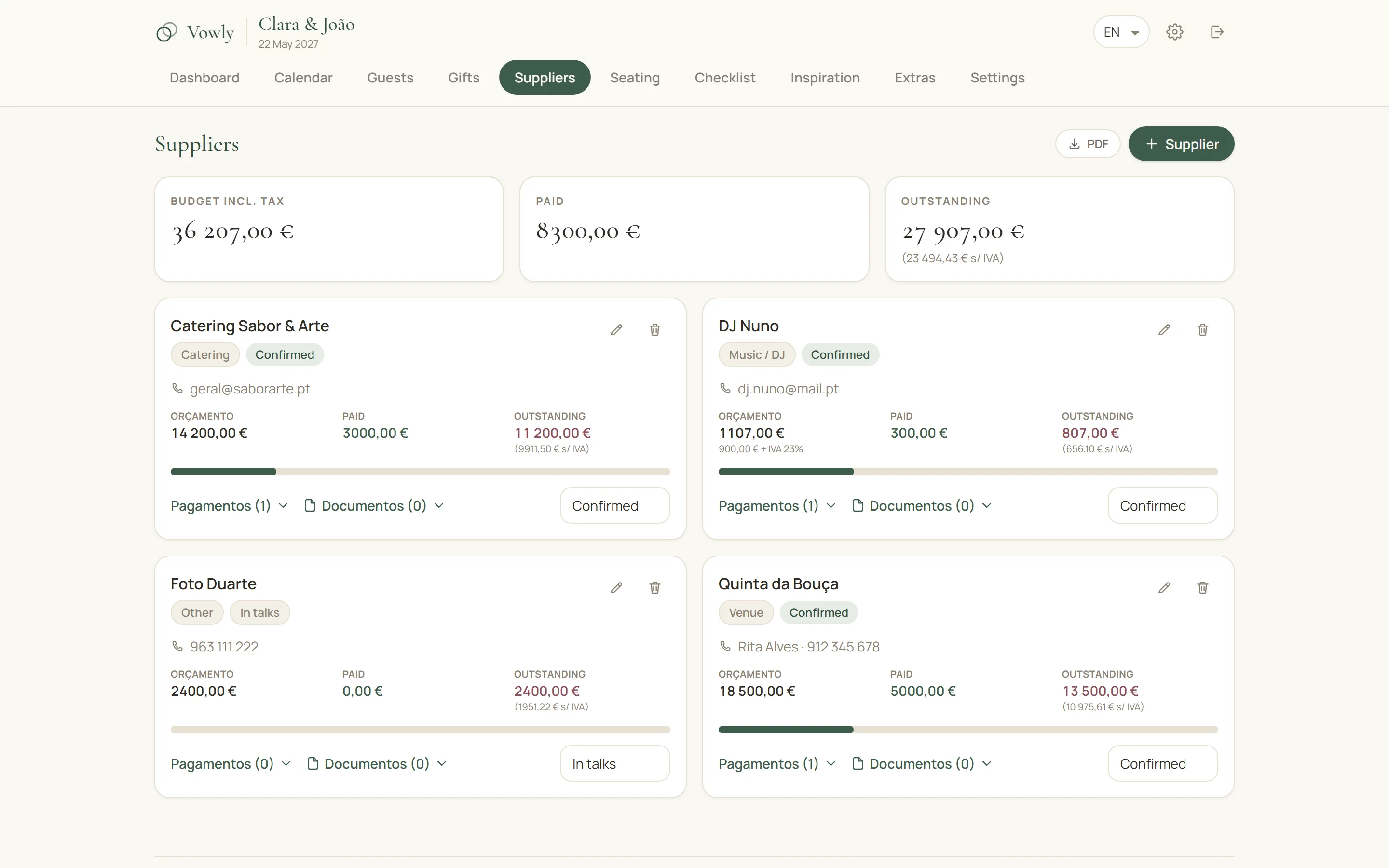
Keep contacts, quotes, payments and documents together. Every vendor has their own card, and the contract stops living in an email from March.
Tasks
Keep a clear list of what is left and what is done, with the dates each thing usually needs to be finished by.
The running order of the day
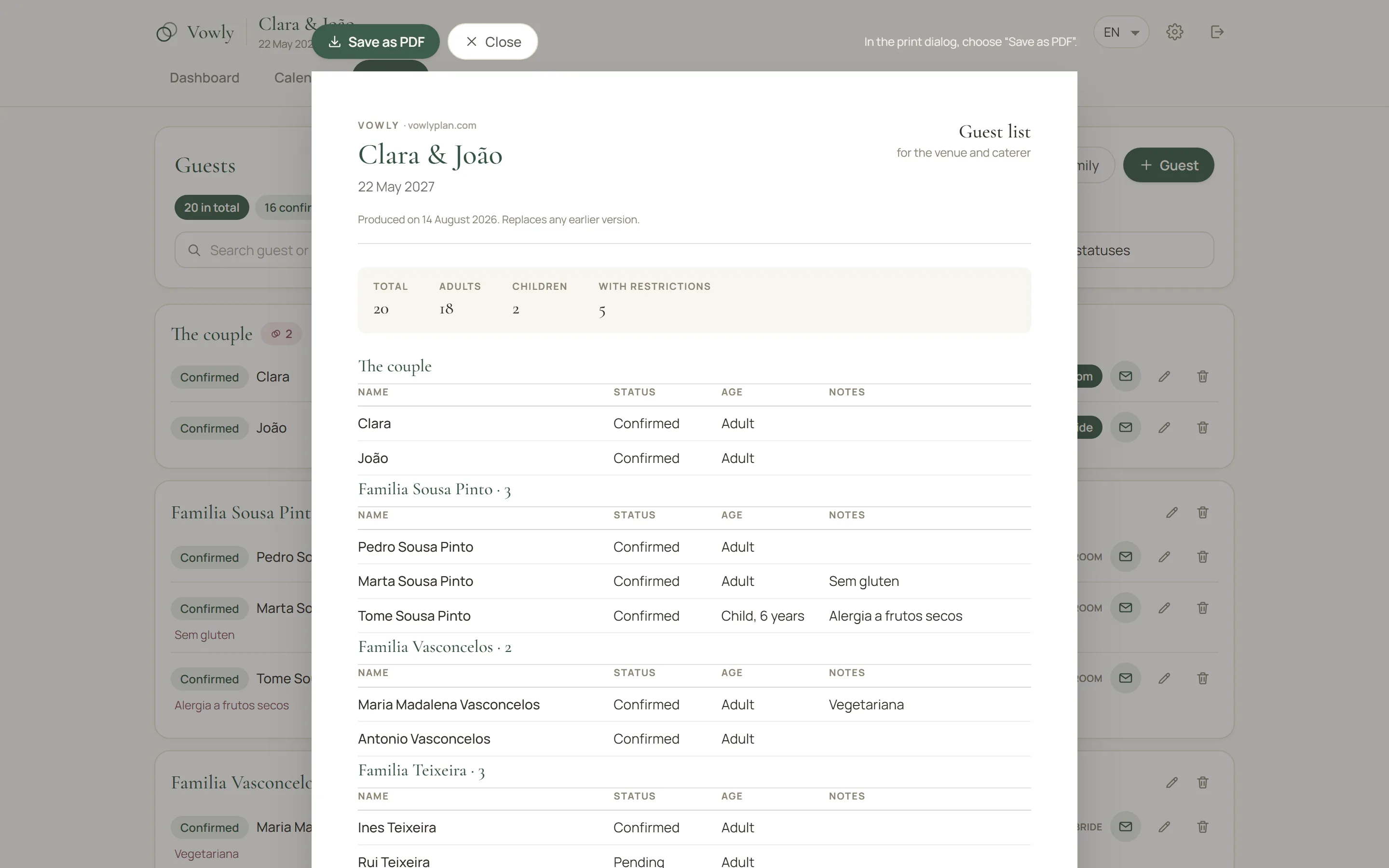
Set out everything that happens on the day, hour by hour, and print the sheet for whoever needs it: the venue, the photographer, the best man.
Side by side
| WhatsApp + spreadsheet | Vowly | |
|---|---|---|
| Guest list | Yes | Yes |
| RSVPs | By hand | Yes |
| Seating plan | By hand | Yes |
| Budget | In the spreadsheet | Yes |
| Vendors | Scattered | Yes |
| Tasks | Notes or spreadsheet | Yes |
| Documents | Email and Drive | Yes |
| Running order | By hand | Yes |
| All in one place | No | Yes |
The problem is not WhatsApp, and it is not the spreadsheet
The problem is having to join it all up by hand. When one person cancels:
- the guest comes off the list;
- the table changes;
- the headcount is confirmed with the caterer;
- the spreadsheet is updated;
- the other half is told;
- and, often, you go back to WhatsApp to find the information again.
In Vowly the information is connected. One change updates the rest, without starting over.
The wedding is already work enough
Planning should be about choosing the venue, tasting the menu, picking the flowers and getting ready for the day.
Not about wondering: “where did I save that spreadsheet?”