Your wedding.
Beautifully organized.
One calm place to plan the day, manage your guests, control the budget and keep every supplier, document and deadline in order — together.
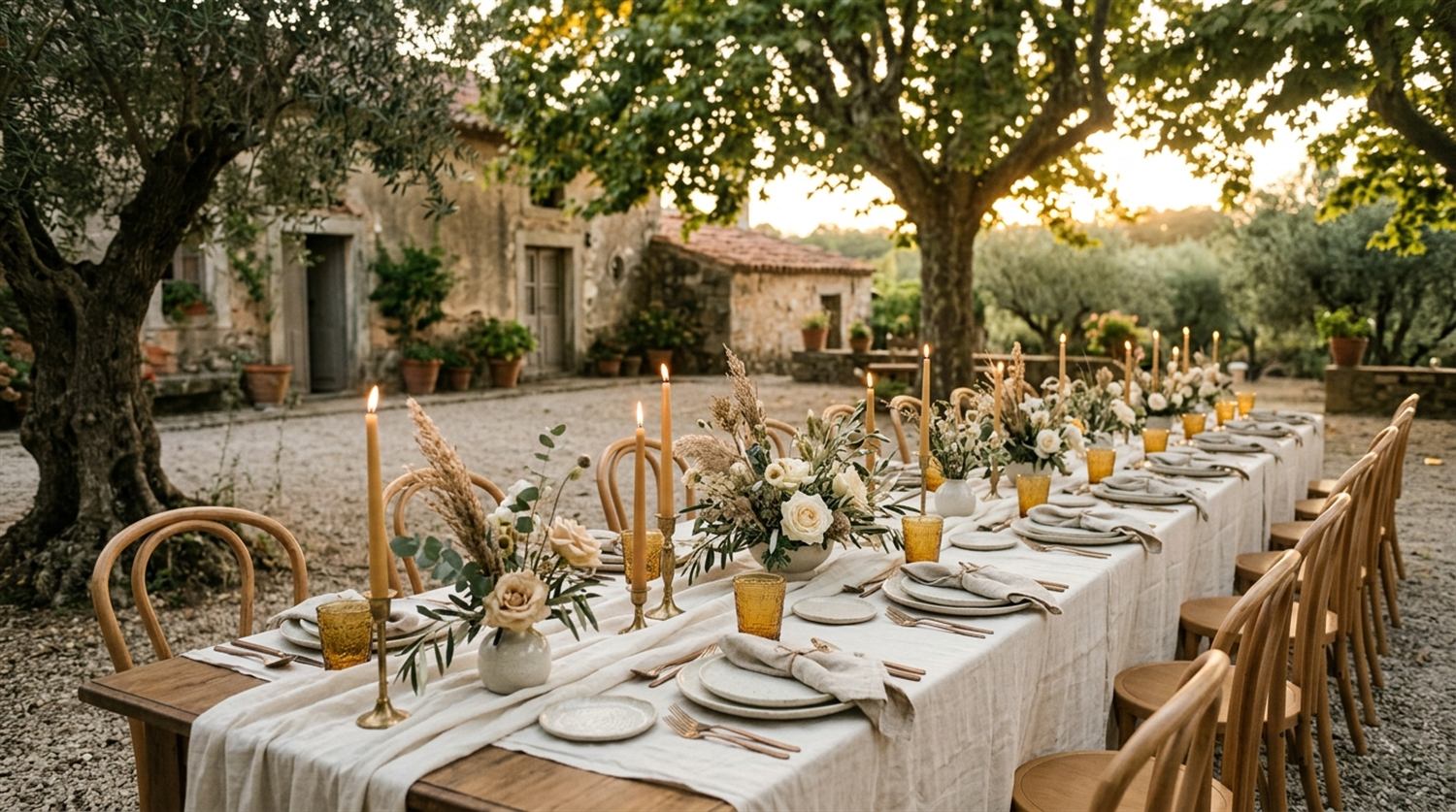
Open it and know exactly where you stand.
No spreadsheets, no scattered notes, no "did we pay the florist?". Everything that matters, summarised the moment you sign in — on your computer and, in the same shape, on your phone, at the venue or at the tasting.

It is also waiting on your computer.
Same wedding, same numbers, a bigger screen. Sit down at the end of the day and the seating plan, the budget and the supplier contracts are all there — with room to work.
Tools that finally talk to each other.
Confirm a guest and the head count updates. Pay a supplier and the budget follows. Nothing is entered twice.
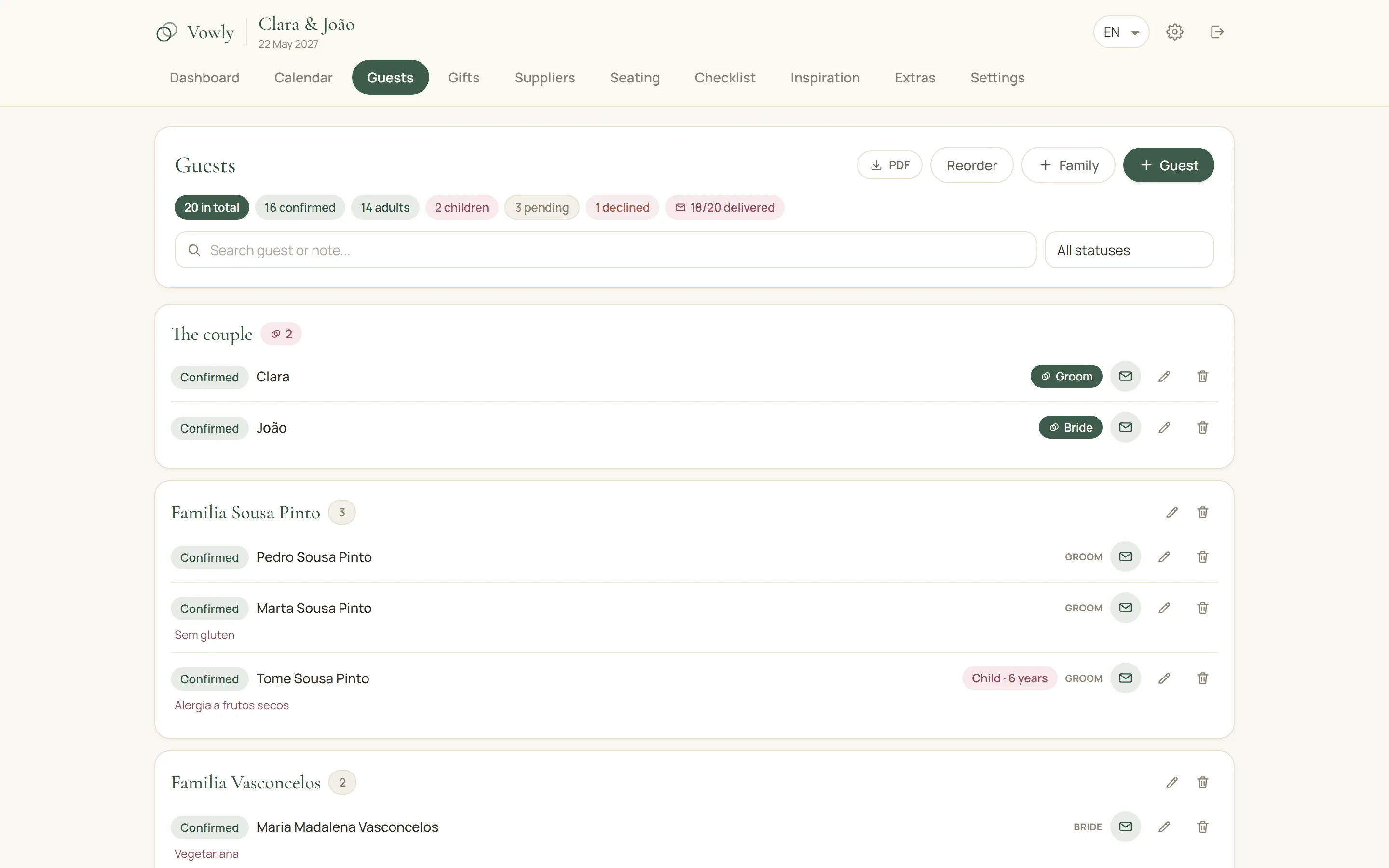
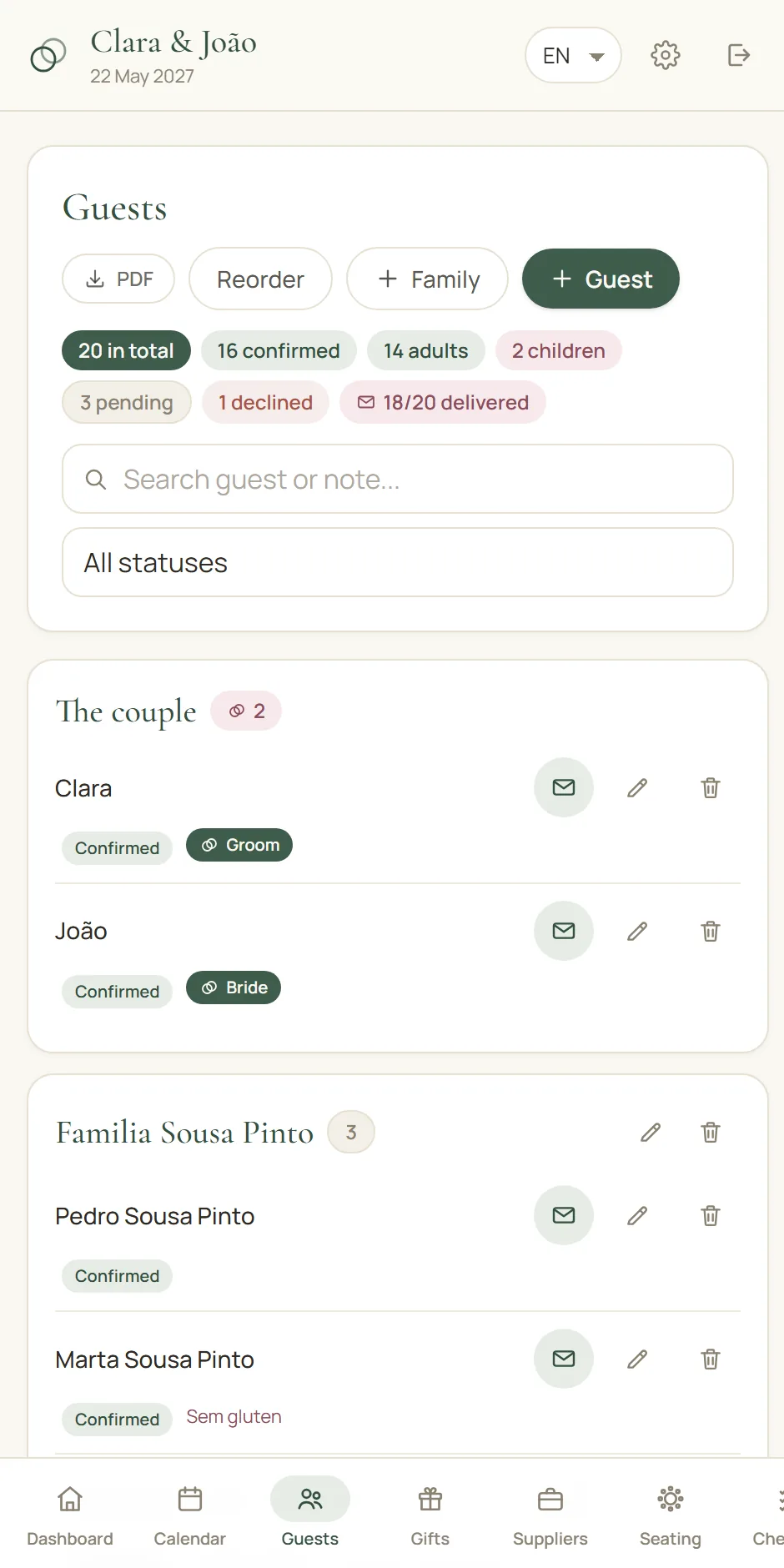
A guest list that behaves like a CRM.
Families, children with ages, plus-ones, dietary needs and invitations delivered — filterable and always current.
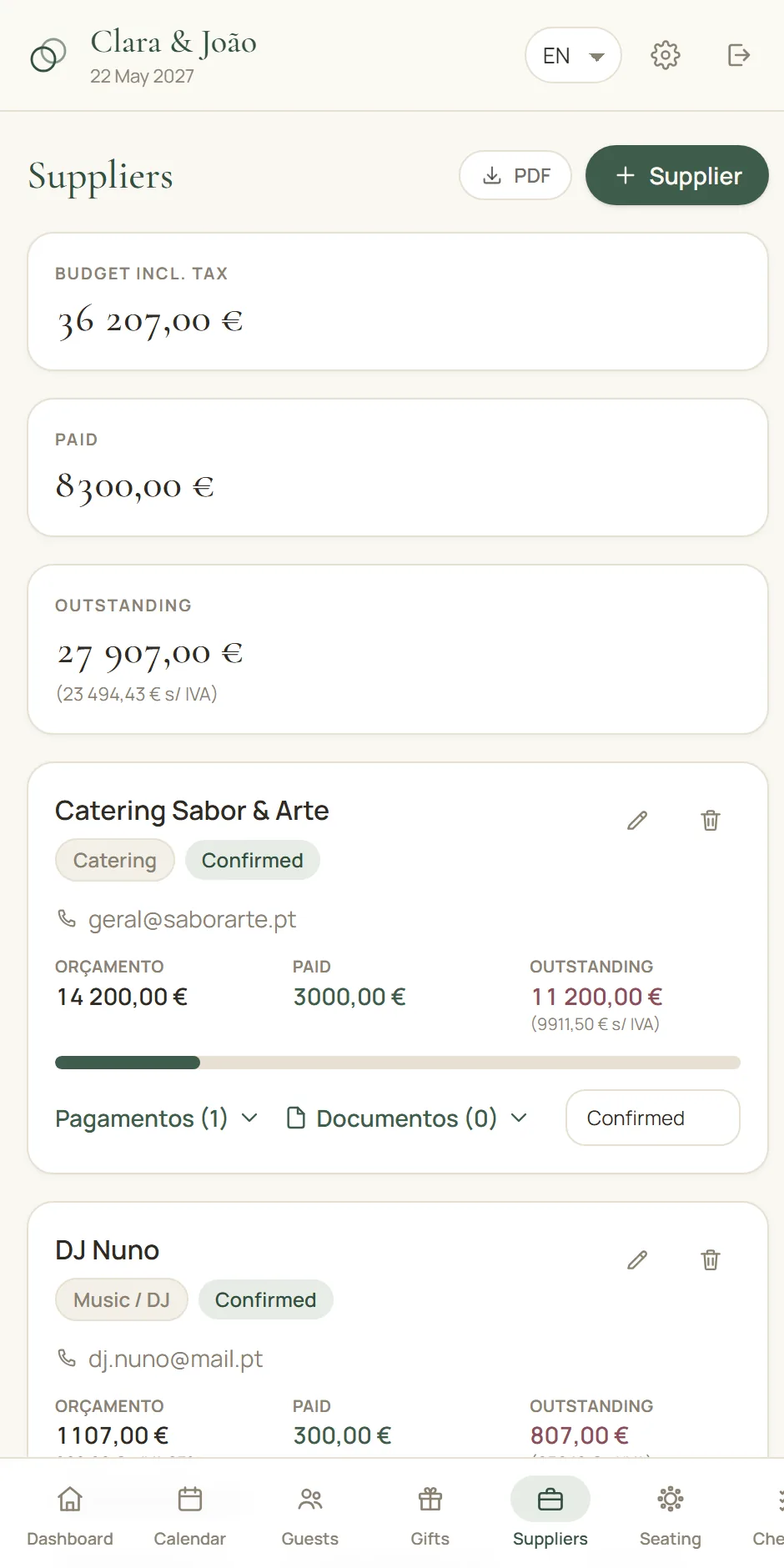
The budget, under control to the last cent.
Set the ceiling, watch every category fill up, and see the day's real cost per guest. Deposits and instalments come off as you pay them, and tax is handled the way your suppliers actually quote it.
Send the venue a PDF, not a spreadsheet.
One tap turns your guest list, seating plan, timeline or playlist into a clean PDF with your names, the wedding date and the day it was produced — so nobody works from an old version.
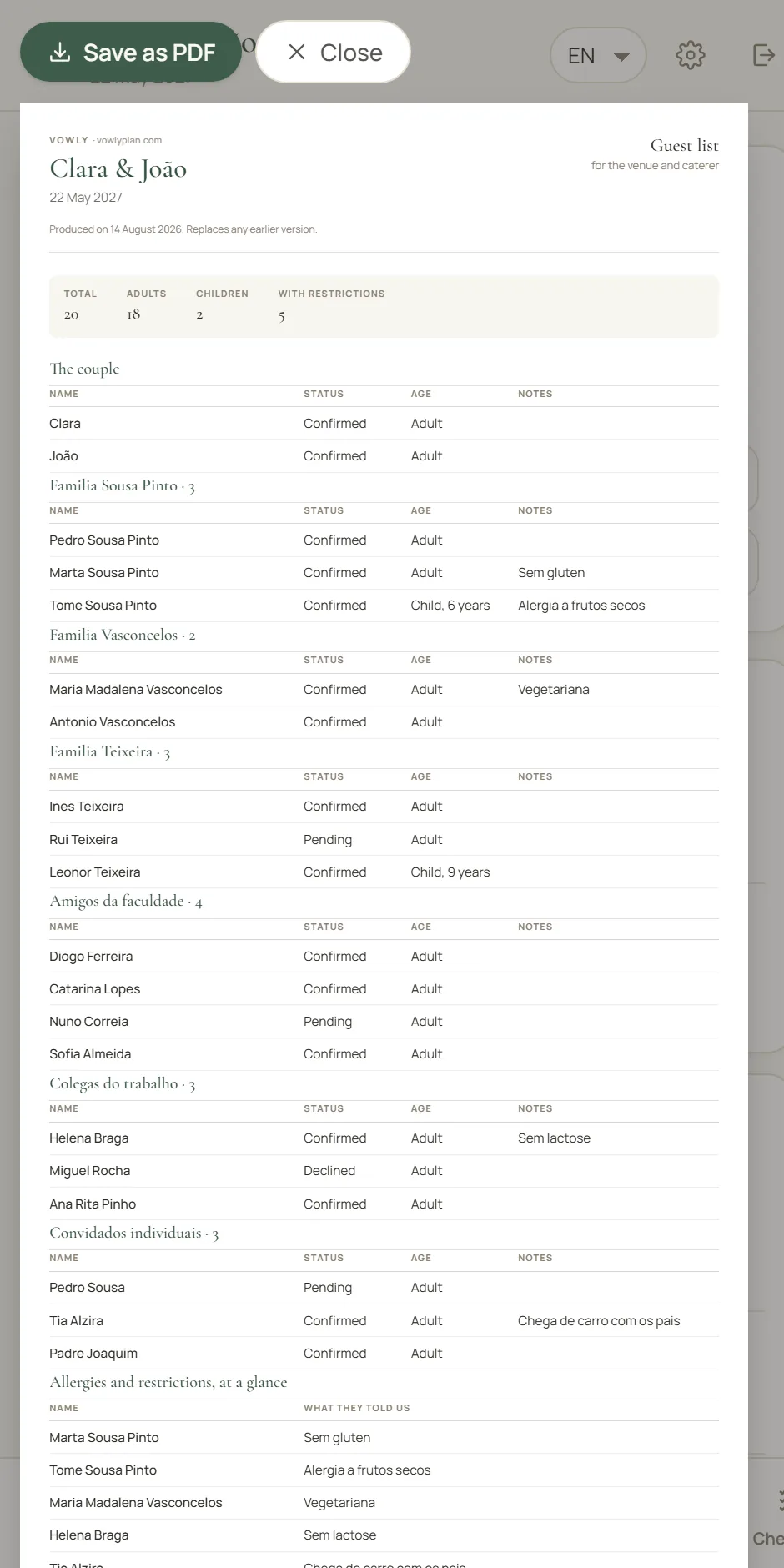
Draw the room. Seat everyone. Print it.
Set the room's real size and drag the tables into place — round, oval, square, long, half-moon or curved, in the sizes rental companies actually rent. Chairs arrange themselves, tables snap edge to edge, and each guest gets their exact seat.
- Dance floor, stage, bar, cake, DJ — everything that takes up floor
- A circulation view that shows if the tables are too close
- A PDF to scale for the venue, with every seat numbered
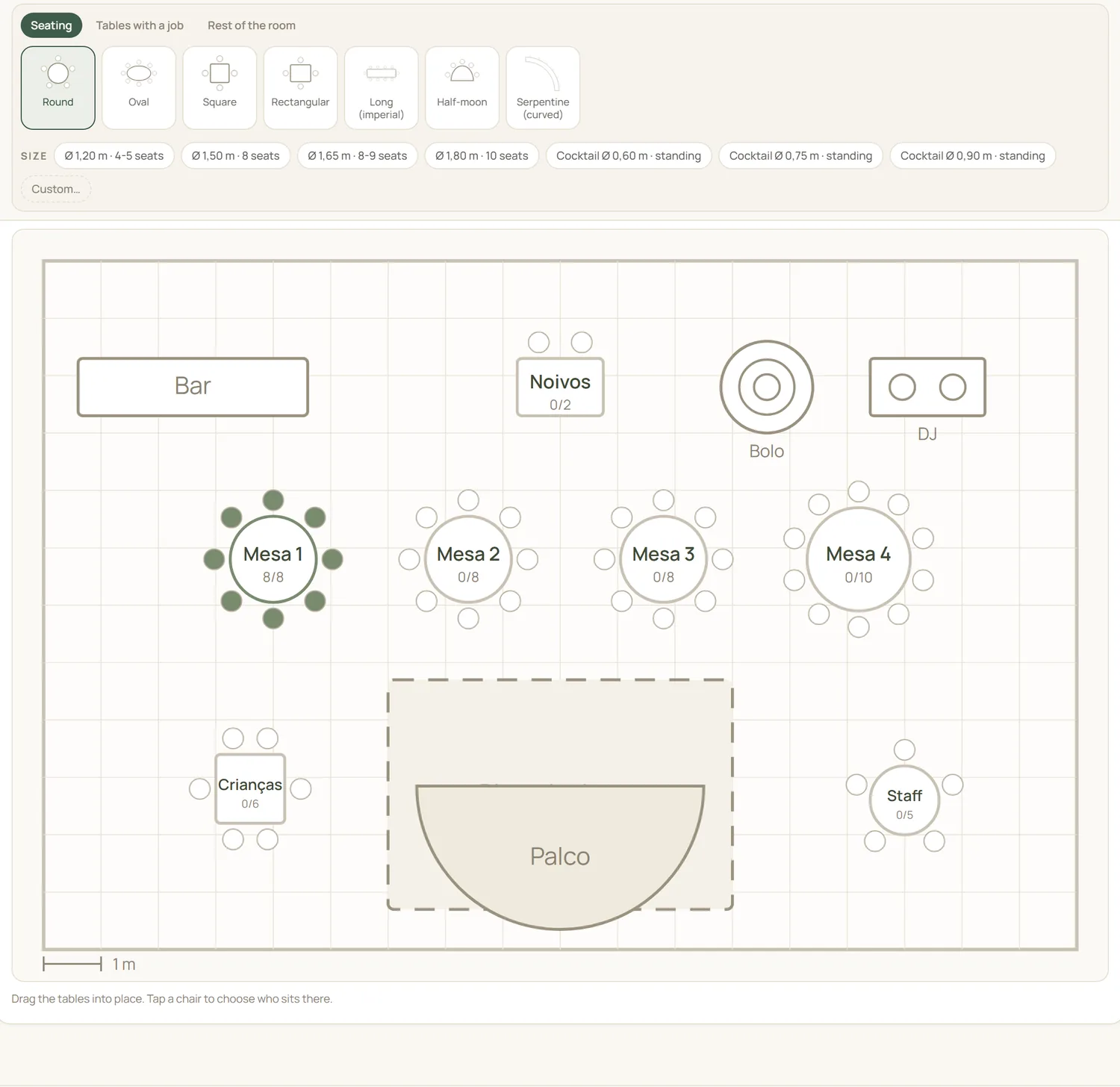
Keep every idea you fall for.
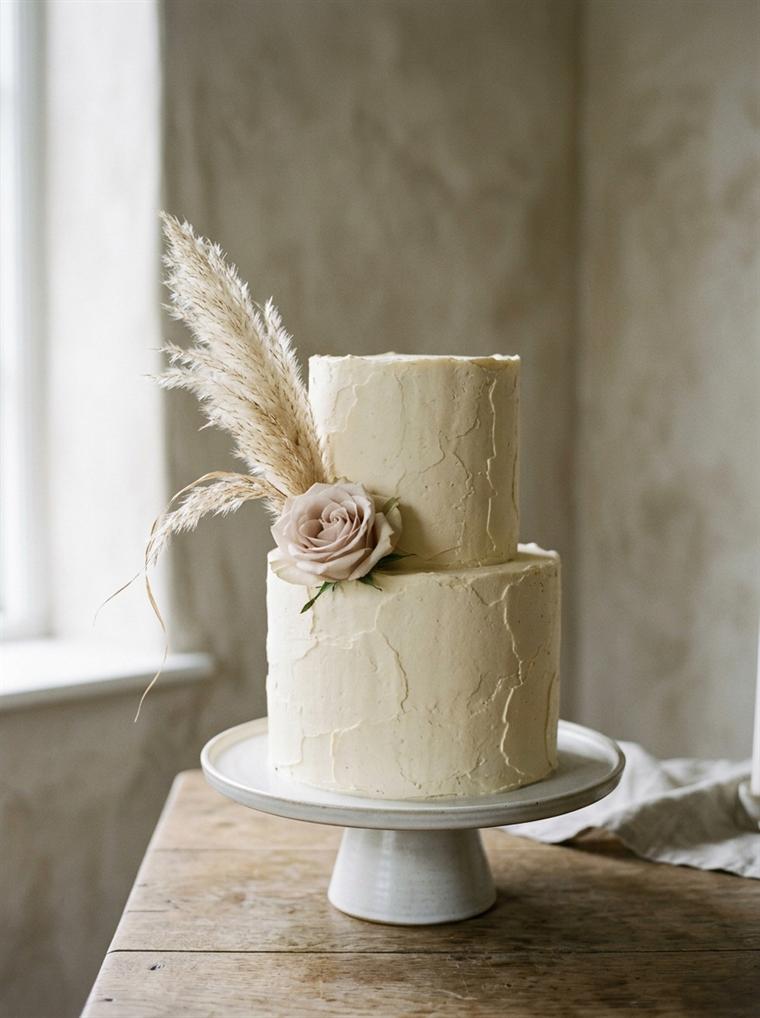
The venue at golden hour, the cake you saw in a café, the exact green of the eucalyptus. Filed by moment, and exportable as a moodboard for each supplier.
- Photos and ideas filed by moment — venue, flowers, table, cake, favours.
- Mark the favourites and write next to each one what you liked about it.
- Export a moodboard as a PDF for each supplier: only the flowers for the florist.

Everything a wedding actually needs.
Not a to-do app with a bow on it. Every part of the day has its place — and they all add up in the dashboard.
Smart calendar
Tastings, fittings, deposits and deadlines on one calendar that knows what is late.
Seating plan
Drag guests into tables, see who is still unseated, print it for the venue.
Checklist
A month-by-month plan you can change, so nothing is remembered at 3am.
Inspiration & moodboard
Photos and ideas by moment — flowers, table, cake, favours — exportable as a moodboard for each supplier.
Gifts & thank-yous
Money or presents, by family, weighed against the cost of the day. Tick off the thank-you notes.
Contracts & invoices
Quotes, contracts and receipts kept next to the supplier they belong to.
Timeline of the day
From the first hairpin to the late-night supper, in the order it happens.
Playlist
Songs by moment, ready to hand to the band or the DJ.
Shot list
The photographs you would never forgive yourselves for missing.
Both of you, one wedding
Invite your other half, the planner or your mother — you choose who can change things.
Tax done properly
Inclusive, added, exempt or split rates — the numbers match what suppliers actually invoice.
Desktop and mobile
The same wedding on both: plan on the computer, check it on your phone at the venue.
Try it all. Then pay once.
Fourteen days with everything open — no card, nothing locked. After that it is yours for one payment, until the last thank-you note.
After 14 free days. No card to start.
- Guests and suppliers, no limits
- Seating plan drawn from your real room
- Every PDF: guest list, floor plan, running order
- Both of you, plus two helpers
- Managing several weddings
- Client access and approvals
- Your branding and exports
Price shown in your currency. Charged in the same one — no surprises on the card.
Works wherever you marry: currency, date format and the tax your suppliers actually charge — included, added, exempt or split.
Before you start.
Can we both use it at the same time?
Yes. Vowly is built for two. Both partners sign in with their own account and see the same wedding, live.
Does it work outside Europe?
Yes. Choose your country and Vowly sets the currency, date format and tax rules. Marrying somewhere without VAT? Turn tax off entirely.
What about gifts given in cash?
Recorded per family or per guest, in money or as an object, and set against the cost of the day so you always know where you stand.
Is our data private?
Your wedding is visible only to the people you invite. Nothing is sold, and we never contact your guests.
Do we have to pay to try it?
No. You get fourteen days with everything open and no card asked for — guests, suppliers, seating plan, PDFs, all of it. When the fourteen days end, nothing is deleted: everything you built stays there to look at, you just cannot change or print it until you pay. And if you pay and change your mind, you have 14 days to ask for the money back.
What if the date or a supplier changes?
Change it in one place and everything follows: the countdown, the calendar, the budget and the PDFs you produce from then on. Documents you already sent carry the date they were made, so nobody mixes up versions.
Can the wedding planner or our family help?
Yes. Invite anyone by email and choose what they can do: change things or only look. Take the access away whenever you want — the account stays theirs, the wedding stays yours.
What happens to everything after the wedding?
It stays. Gifts, thank-you notes, invoices and the photos you collected are still there afterwards — useful for the thank-yous and for remembering who gave what.

Start with the guest list. The rest follows.
Set up your wedding in three minutes and see the whole day come together in one calm, beautiful place.
A question, a problem, an idea?
We are one email away — for a question, a suggestion, or a hand with anything.